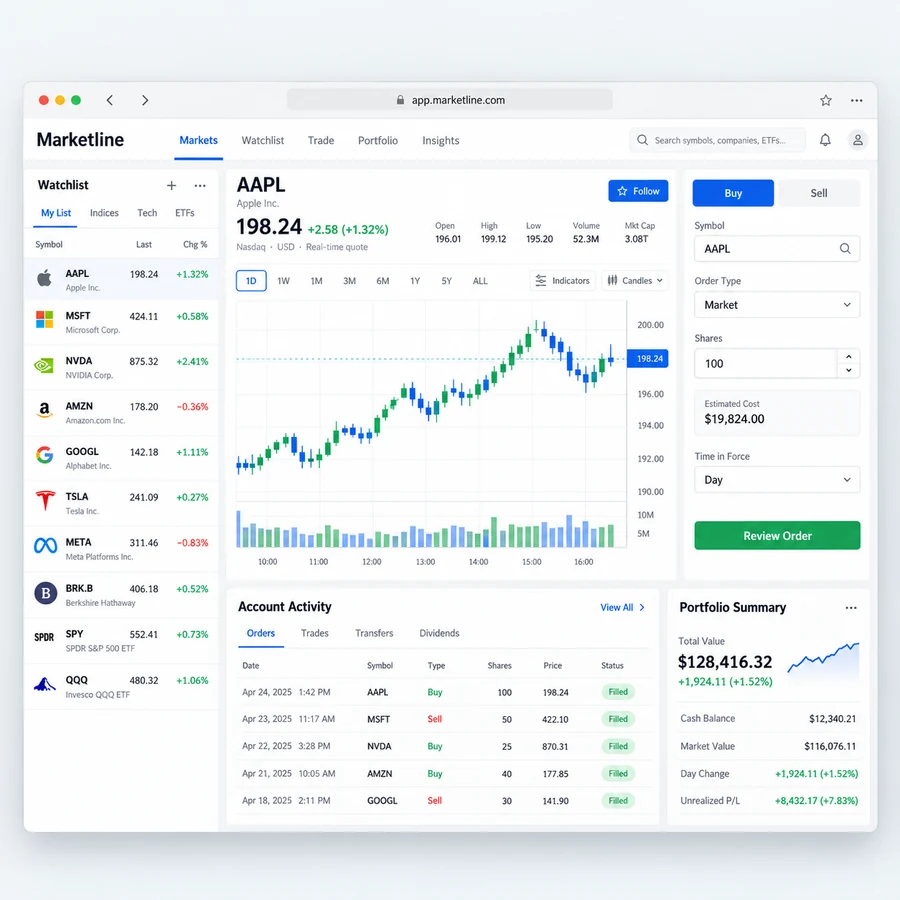
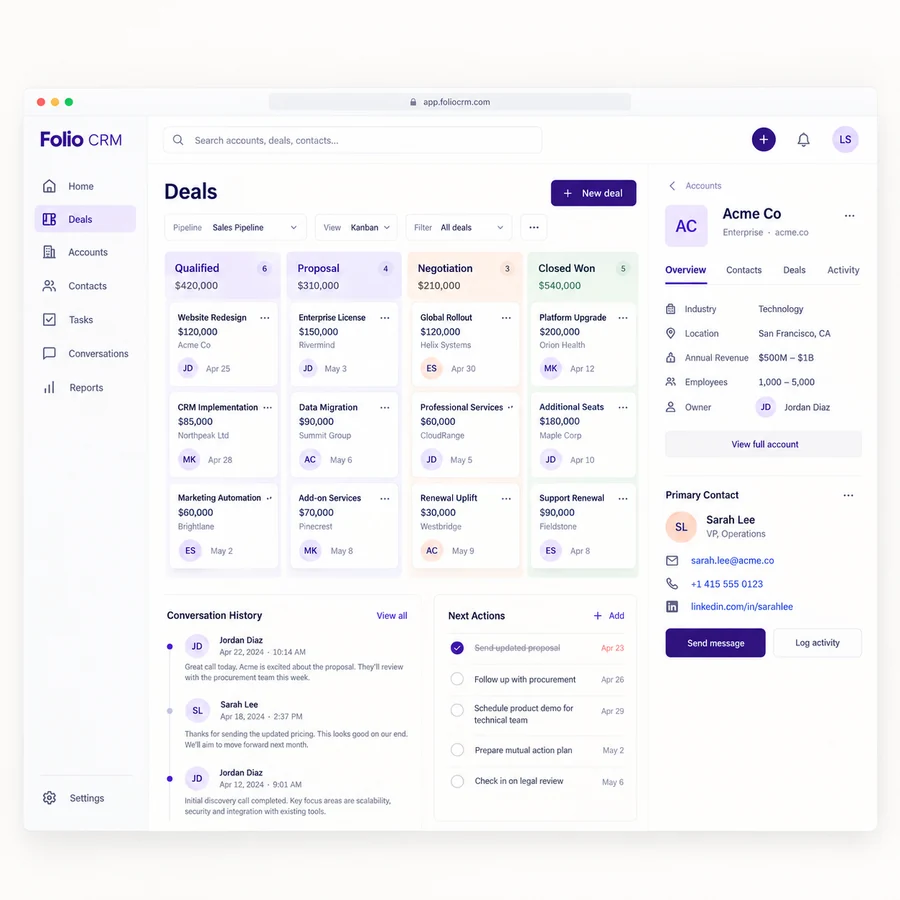
An ERP design concept connecting inventory, replenishment, purchase approvals, and receiving workflows.
The productERP web application
The focusInventory operations
Our contributionProduct direction & interface design
The contextOriginal studio concept
Illustrative product interfaces and sample data. Original studio design study, without claimed client outcomes.
The brief
A product with a clear purpose.
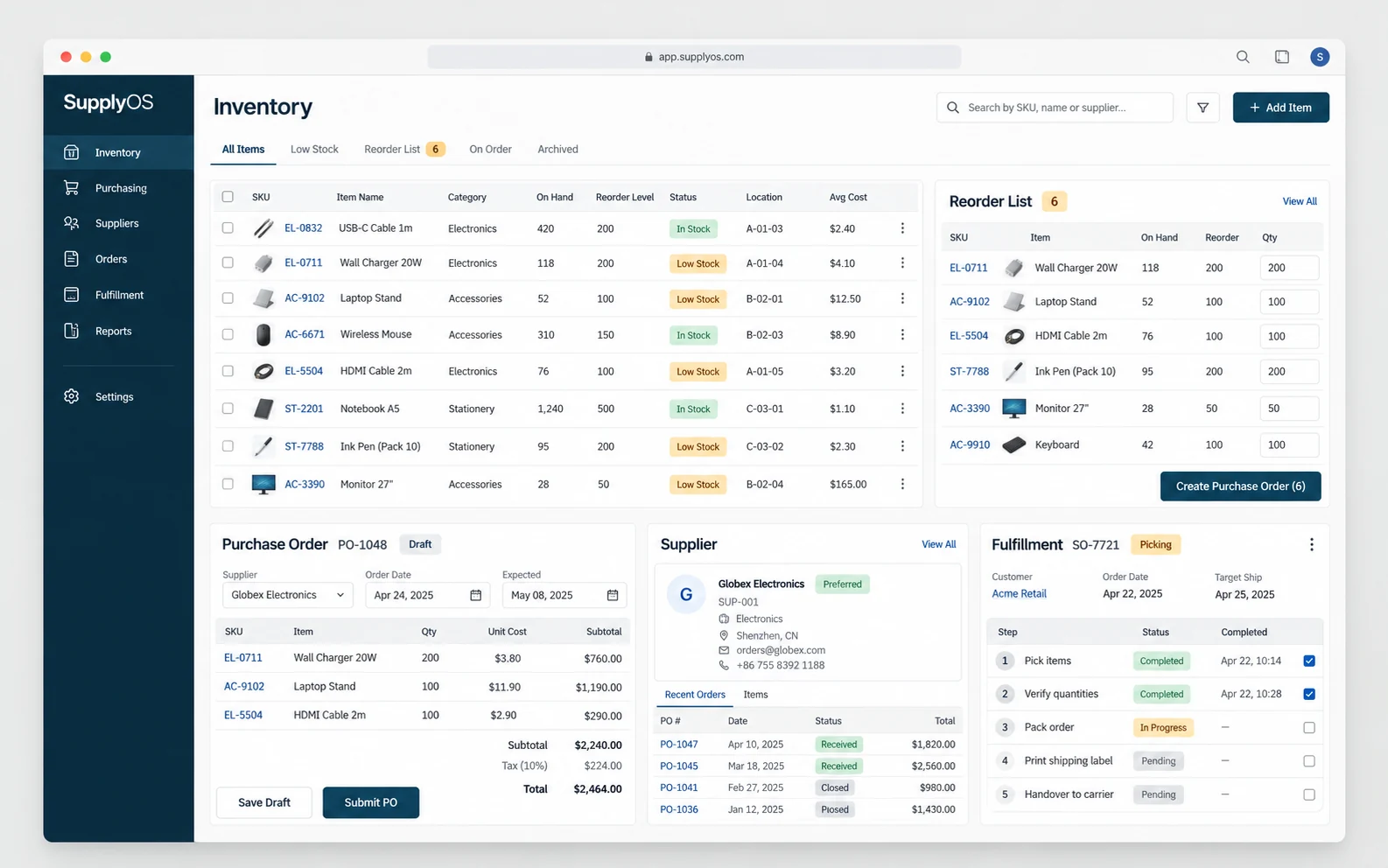
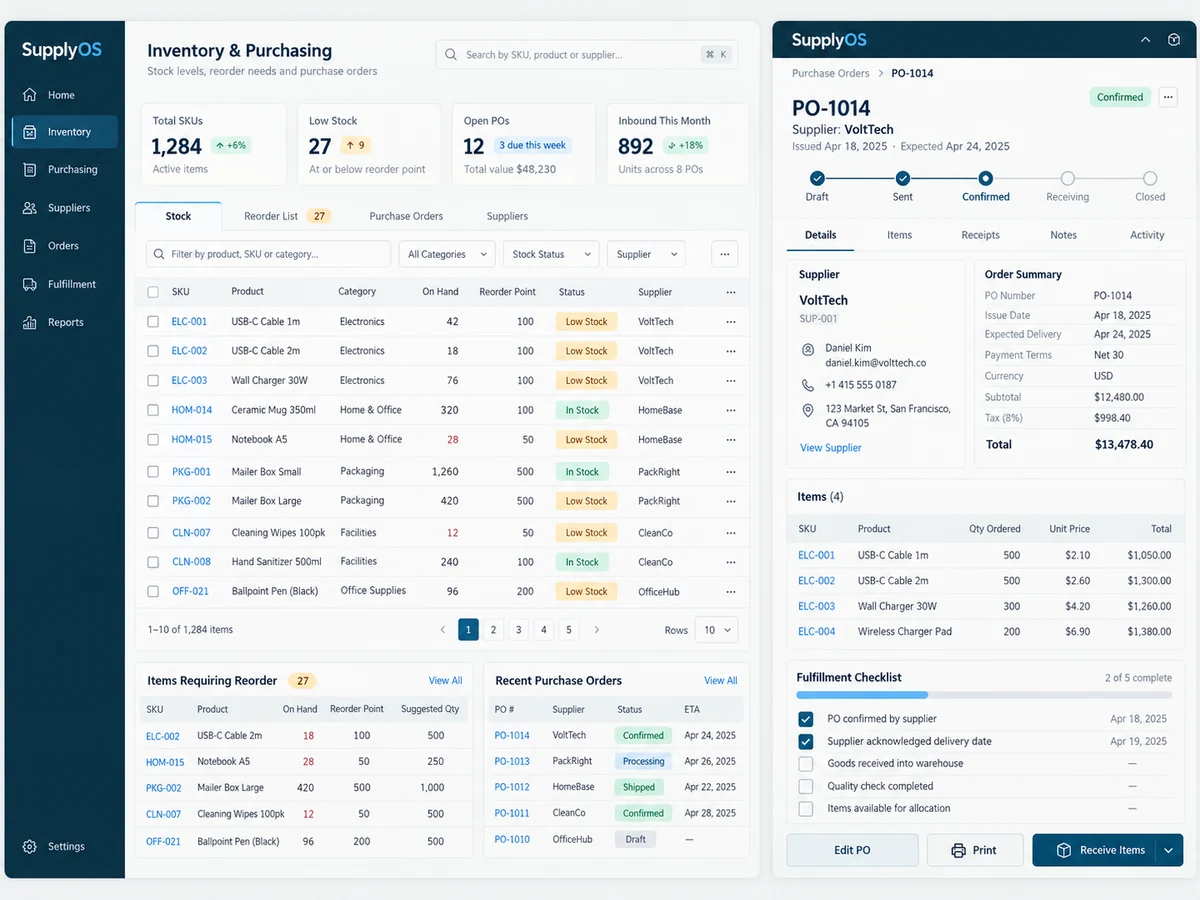
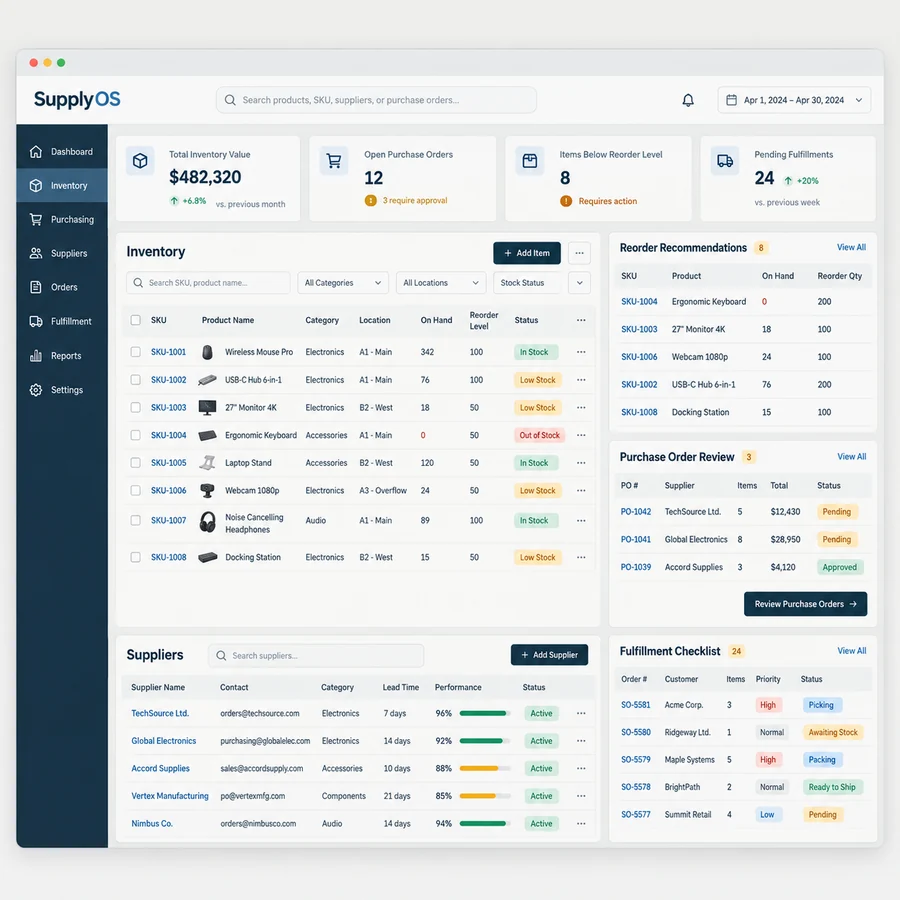
SupplyOS explores an ERP interface for inventory and purchasing teams. Off-white surfaces, petrol blue navigation, and understated amber statuses give the product a practical enterprise character. The screens connect stock records, replenishment decisions, purchase approvals, and receiving so the interface reflects the work surrounding a record.
Who it is for
Inventory coordinators, purchasing staff, receiving teams, and operations leads.
The challenge
Stock data and purchasing activity can disagree when updates happen in separate systems or approvals live in messages. SupplyOS studies a workspace where a replenishment decision can be traced from a stock record through purchase review to receiving. It emphasizes clear state and responsibility rather than a dashboard full of isolated metrics.
Make stock exceptions easy to inspect.
Connect reorder decisions to the source record.
Give purchase approvals an explicit owner.
Keep receiving and record updates traceable.
The experience
Useful choices. A coherent interface.
A closer look at the interface direction.
01
An inventory view for action
The stock table groups SKU, location, availability, and reorder context in readable columns. Filters help a coordinator find exceptions. A record detail view explains why an item needs attention instead of requiring the user to infer that from a colored badge.
02
Purchase review with context
A proposed order connects supplier information, requested quantities, and the initiating stock records. Reviewers can understand the reason for a purchase and record an approval or request a change.
03
Receiving that updates the right record
Receiving work distinguishes expected items from what arrived. Differences have a visible reconciliation path and owner. The product direction keeps changes connected to their purchase record and inventory location.
The user journey
From context to the next action.
Step 1
Inspect a stock exception
A coordinator opens a record that needs review and checks its location and replenishment context.
Step 2
Prepare and approve
Purchasing staff review the proposed supplier and quantities, with a clear approval step and responsibility.
Step 3
Receive and reconcile
The receiving team records what arrived and routes differences for review before records are treated as settled.
Delivery thinking
The decisions behind the screens.
Proposed implementation direction
A proposed ERP implementation would define inventory, purchase order, supplier, location, and receiving records with clear ownership.
Integration with accounting or warehouse systems needs source-of-truth rules, reconciliation, and error handling.
Audit history and role permissions should reflect operational responsibilities and agreed retention requirements.
A focused first scope
Inventory tables and record details
Replenishment and purchase review
Receiving and exception workflow
Roles and activity history
What to validate
Questions a working product must answer.
This study establishes a reviewable design direction. A production project would test the selected journey with representative users, realistic data, and agreed acceptance criteria. These questions define the next review without implying results have already been measured.
01Can staff trace a reorder to its stock record?
02Are pending approval and completed receiving states distinct?
03Do integration failures and quantity differences remain visible?
Have a similar product in mind?
Share your audience, the task you want to improve, and the constraints that matter. We can discuss a scope built around your own context.